

Specialized Fisher & Paykel Appliance Repair in San Francisco
Mon–Sat: 8:00 AM – 7:00 PM
A Fisher & Paykel oven fan that runs after cooking is usually still cooling the cavity. It's a fault if it never stops or comes with a code.
Written for Fisher & Paykel owners
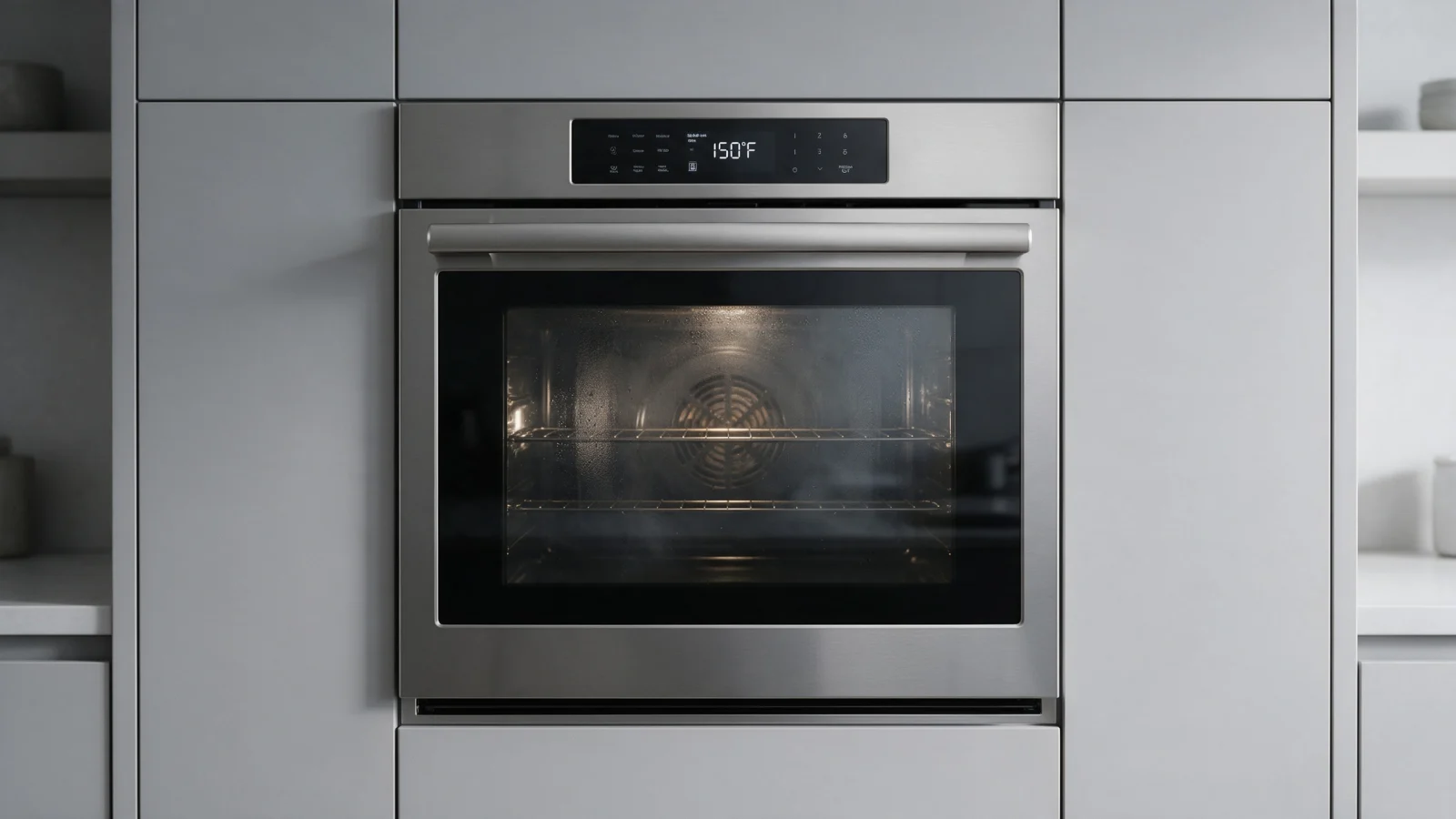
A Fisher & Paykel oven fan that runs after cooking has normally not failed: the cooling fan is designed to keep going until the oven cavity and electronics have cooled, and it can run for a good while after a long, hot cook. It becomes worth a call when the fan never stops, or when it runs along with a code on the display.
A built-in oven keeps its control panel, door and surrounding cabinetry cool by moving air through the housing. When the heating stops, the cavity is still hot and the fan carries on, then switches off once the temperature falls. On a Fisher & Paykel oven, a long roast or a self-clean cycle leaves far more heat behind than a ten-minute reheat, so the fan runs for correspondingly longer.
The OB30SDPTB1, a 30-inch Series 9 Minimal oven, is listed with 4.1 cu ft of total capacity and 17 oven functions, and the RIV3-365 induction range has 4.8 cu ft of total oven capacity. Bigger Fisher & Paykel cavities hold more heat, so expect them to keep their fans running longer. What the material does not give is a number of minutes, so rely on the oven’s behaviour: the fan should wind down as the oven cools, and a cool oven with a still-running fan is the thing to report.
Test the obvious first. Open the door carefully and feel whether the cavity is still giving off heat. Check the display for a temperature reading if your model shows one. A fan that stops as the oven cools down is behaving normally, and a fan that keeps blowing cold air for hours is not.
The library lists a few oven codes that can tie in with fan behaviour. A1 is listed as the oven has overheated, with the check of allowing the oven to cool down; the code clears once it has cooled and the door has unlocked. An oven that overheated will naturally run its fan hard, and it may stay on until the temperature recovers. A2 and A3 are door lock errors after a Self Clean cycle starts or finishes, with the check of turning power off and on and setting the clock again. A self-clean cycle leaves the oven extremely hot, so fan noise after one is expected.
F1XX is listed as a clock board fault and F2XX as a power board fault, each with sub-codes. A power board fault is the kind of thing that could leave an output in the wrong state. If one of these appears, write it down exactly, including the digits, and see our pages for oven F608 and the other oven codes if yours matches. Do not keep cutting the power at the breaker to silence the fan, because that does not fix a fault and it can leave the oven’s own cooling cycle unfinished.
If your oven sits under an induction or dual fuel cooktop, as on the 36-inch RDV2-366-N_N Series 9 Professional range with six oven functions, the fan can also respond to heat from the cooktop. Cooking on the surface right after baking can keep the cooling fan going longer. Our range repair and oven repair pages cover both setups, and a combined oven such as the OS30NDTDB1 compact combi steam oven has its own page.
If the cavity has cooled and the fan still runs, an owner cannot tell whether a temperature sensor is reading wrongly, whether a relay on the power board is stuck, or whether the control is still calling for the fan. Resetting power and waiting can tell you whether the behaviour is persistent, and that is useful, but it is not a repair. Do not remove panels from the Fisher & Paykel oven or try to reach the fan, which sits in the back and top housing with live wiring close by. If the oven smells of burning or the room feels unusually hot near it, switch it off at the breaker and call.
Give us the Fisher & Paykel model and serial number from the rating label, how long the fan runs after cooking, what the last cook was, whether the oven was cool when you checked, and any code, with the exact digits. A technician will check the cooling fan’s operation, the temperature readings and the power and clock boards. The sooner you can tell us whether this is new, the faster they can narrow it down.
Until the oven has cooled enough. We have no set time to quote, since it depends on the model and what you cooked. Call if it never stops.
No, a self-clean cycle leaves the oven very hot. A repeat A2 or A3 code after one is worth reporting.
Not as a routine. It interrupts the cooling cycle and doesn’t fix a cause. Use it only if you smell burning.
Share a few details and we’ll confirm an appointment. Prefer to talk? Call us and we’ll help right away.