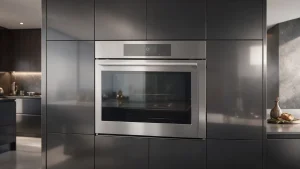
Source: Fisher & Paykel Support: F&P Combi oven: Convection + Microwave fault codes
An oven that shows F204 is, in Fisher & Paykel’s words, reporting that the “UI” is not responding. UI means user interface, the screen and controls you use to set the oven. So you may find that buttons or the display do not react as they should.
At a glance
| Code | F204 |
|---|---|
| Appliance | Ovens |
| What it means | Fisher & Paykel lists F204 as the user interface not responding on its convection and microwave combi oven. |
Order of events
- Do nothing with the power until the oven is completely cool.
- Listen for the cooling fan. When it has stopped, go to the power supply.
- Switch the oven off for one minute.
- Switch on and test the controls.
Should F204 reappear, the manufacturer asks you to book a service call.
Why a restart is the first try
The manufacturer’s general note says that some faults can be rectified by resetting the oven, and F204 carries the reset instruction. A screen that has stopped responding is a plausible candidate for that kind of fix, though the page does not promise it. Give the oven the full minute without power, as the manufacturer says.
What not to assume
A frozen interface might be a stuck button or a loose panel, but the source does not say so. It lists no cause, and we will not add one. Wiping the screen is harmless, yet there is no sign it helps, and spraying cleaner into a control panel can do damage.
Cousins of this code
- F608: listed as a TFT error, which is a type of display screen
- F102 group: board communication errors
Combi oven service in San Francisco
Call (415) 941-6957 and tell us F204 plus what the screen was doing when it stopped. The model number helps too.