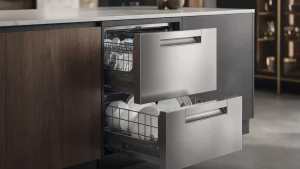
Source: Fisher & Paykel DishDrawer DD24 and DD60 models User guide (590030A) - Fault codes
When a DishDrawer shows F9, both Fisher & Paykel documents point to the main electronics. The DD24/DD60 guide calls it “electronics malfunction” and says it needs a technician. The support article is more precise: “wash controller electronics fault”.
At a glance
| Code | F9 / E9 |
|---|---|
| Appliance | DishDrawer Dishwashers |
| What it means | Electronics malfunction; wash controller electronics fault. |
| First thing to try | Press the button that stops the beeping. |
| When to call a technician | No owner repair is listed; the next step is a technician. |
Reading the two wordings
The two documents word it differently (“electronics malfunction” and “wash controller electronics fault”); both say to arrange service. The Classic-panel number paired with it is E9.
Owner steps
The documents give no reset specific to F9. The user guide lists a general method for faults on every code, which is the only thing you can reasonably try:
- Press the button that stops the beeping.
- Turn the DishDrawer off, wait a few seconds, turn it on.
- If the code is back, unplug the unit or turn it off at the power supply and stop using it until it is looked at.
What the support article adds
F9 appears in the list of codes that require a service technician: F4 through F9 and FC. So the reset above is a courtesy attempt, not a repair.
Two drawers, two notes
On a double unit, write down what each drawer displays before you phone.
Also see
- F83: a longer wash controller code with its own restart instruction
- F8: the motor controller
- FC: communication between drawers
F9 repair help in San Francisco
Call (415) 941-6957 with the code for each drawer and say whether a restart cleared it, even for a short time.